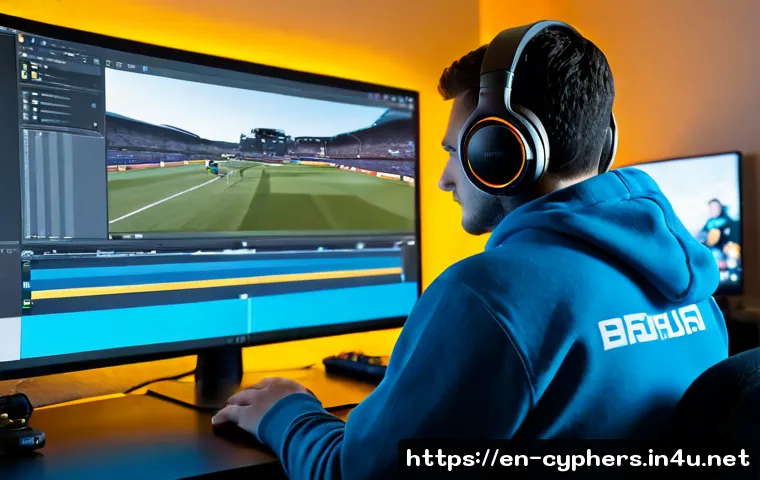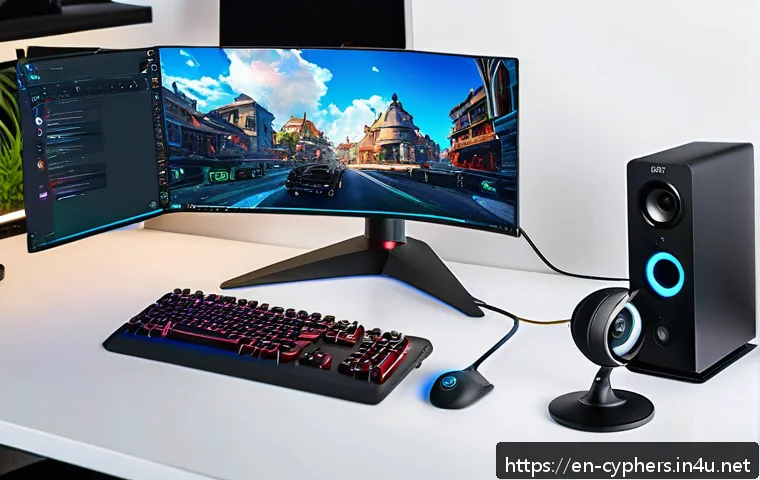
With the explosive growth of live streaming in gaming communities, mastering your Cyphers live streaming setup has never been more crucial. Whether you’re aiming to captivate an audience or simply share your gameplay in high quality, a seamless broadcast can make all the difference.
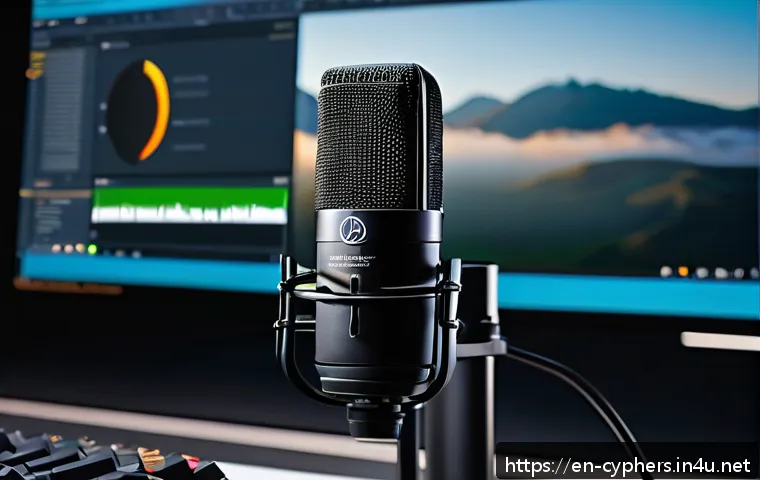
In today’s fast-paced digital world, viewers expect crisp visuals, lag-free performance, and engaging content that keeps them coming back. If you’ve ever struggled with buffering or poor audio during your streams, you’re not alone—and that’s exactly why fine-tuning your setup matters.
Let’s dive into the essentials to help you create a smooth, professional streaming experience that stands out in the crowded streaming landscape.
Optimizing Your Hardware for a Flawless Stream
Choosing the Right PC Specs
When it comes to streaming Cyphers or any fast-paced game, your computer’s specs can make or break the experience. I’ve personally found that having at least a mid-range CPU like an Intel i5 or AMD Ryzen 5, paired with 16GB of RAM, helps keep things smooth without bottlenecks.
The CPU handles both the game and the encoding process, so skimping here often leads to dropped frames or lag spikes. Also, a dedicated GPU such as an NVIDIA GTX 1660 or better ensures the game runs at high quality while your stream remains stable.
Don’t overlook the importance of a fast SSD either; load times and overall responsiveness improve noticeably, which your viewers will appreciate.
Microphones and Cameras That Elevate Engagement
Audio quality is something I always prioritize. Nothing turns viewers off faster than crackling or muffled sound. A USB condenser mic like the Blue Yeti or Audio-Technica AT2020 offers great clarity without complicated setups.
For cameras, a 1080p webcam with good low-light performance, such as the Logitech C920, strikes the perfect balance between quality and affordability.
Using proper lighting, even something as simple as a ring light, can drastically improve your camera feed’s look, making your stream feel more professional and inviting.
I’ve noticed that when my setup looks good, my audience sticks around longer and chat activity spikes.
Stable Internet Connection Essentials
Buffering and lag can kill momentum faster than anything else. I recommend a wired Ethernet connection over Wi-Fi whenever possible for the most stable upload speeds.
A minimum upload speed of 5 Mbps is essential for 720p streaming, but if you want 1080p or higher, aim for at least 10 Mbps. Running a speed test before streaming sessions can help you catch issues early.
Also, consider setting your router’s Quality of Service (QoS) to prioritize streaming traffic, which can reduce interruptions during peak internet usage times.
I’ve personally saved many streams from stuttering by tweaking these network settings.
Software Setup and Stream Management Techniques
Choosing and Configuring Streaming Software
OBS Studio remains a top choice for many streamers, including myself, because it’s free and highly customizable. Setting it up properly involves selecting the right encoder—NVENC for NVIDIA GPUs or x264 for CPU encoding—depending on your hardware.
I learned that balancing bitrate and resolution is key; pushing too high can overload your system and cause lag, while too low sacrifices quality. For Cyphers streams, 4500-6000 kbps bitrate at 720p or 1080p resolution works well for most viewers.
Don’t forget to configure your audio bitrate too—128 kbps is a sweet spot for clear sound without excessive bandwidth usage.
Overlay Design and Alerts That Keep Viewers Hooked
A clean, visually appealing overlay can set your stream apart. I like to keep mine simple with essential elements like recent follower alerts, chat box, and webcam frame, avoiding clutter that distracts from gameplay.
Tools like Streamlabs or StreamElements provide easy-to-use templates and widgets that integrate seamlessly with OBS. Adding interactive alerts, such as follower or donation notifications, creates moments of excitement and encourages viewer participation.
From experience, these small touches boost engagement and help build a loyal community around your channel.
Monitoring Stream Health in Real-Time
Watching your stream’s performance metrics is crucial. OBS and Twitch dashboards provide stats like dropped frames, bitrate, and CPU usage. I usually keep an eye on these during streams to catch issues before they impact viewers.
If you notice frequent frame drops or spikes in CPU usage, lowering your encoding preset or resolution might help. Another handy tip is to record local copies of your stream; this ensures you have a backup in case of internet hiccups.
Staying proactive with stream health monitoring has saved me from countless potential disasters.
Enhancing Viewer Interaction for Long-Term Growth
Engaging Chat and Building Community
Interacting with viewers is what turns casual watchers into fans. I make it a point to respond to chat messages and call out usernames, which creates a welcoming environment.
Using chatbots like Nightbot or Moobot can automate moderation and fun commands, reducing spam and keeping things lively. Hosting regular Q&A sessions or gaming challenges during streams invites participation and gives viewers a reason to keep coming back.
My experience shows that genuine conversation combined with consistent streaming schedules significantly boosts channel growth.
Leveraging Social Media to Expand Reach
Streaming alone won’t get you far without promoting your content outside the platform. I share highlights and clips on Twitter, TikTok, and Instagram to attract new viewers who might not find me otherwise.
Tailoring content for each platform—like short funny moments for TikTok or longer gameplay recaps on YouTube—helps reach different audiences. Engaging with gaming communities on Reddit or Discord also drives traffic and builds connections.
From what I’ve seen, multi-platform presence complements streaming and accelerates channel visibility.
Incorporating Viewer Feedback to Improve Content
Regularly asking your audience for feedback can guide you in refining your stream. I often poll my viewers on game preferences, stream times, or overlay designs to make sure I’m meeting their expectations.
Listening to constructive criticism has helped me fix issues I wasn’t aware of, like audio balance or chat responsiveness. This two-way communication not only improves the stream’s quality but also strengthens viewer loyalty.
People appreciate feeling heard, and that connection keeps them invested in your growth.
Fine-Tuning Audio and Visual Settings for Maximum Impact
Balancing Game and Microphone Audio
One challenge I faced early on was getting the right mix between my voice and game sounds. Too much game audio drowns out commentary, while too little makes the gameplay dull.
I recommend using OBS’s audio mixer to adjust volumes live and testing with friends before going public. Adding a noise gate and compressor filter on your mic can reduce background noise and stabilize volume levels.
Over time, fine-tuning these settings ensures your stream feels polished and easy to listen to.
Optimizing Video Quality Without Overloading Hardware
Streaming at ultra-high settings sounds tempting, but it can strain your system and cause lag or frame drops. I learned to experiment with resolution and frame rate to find the sweet spot that looks good without sacrificing performance.
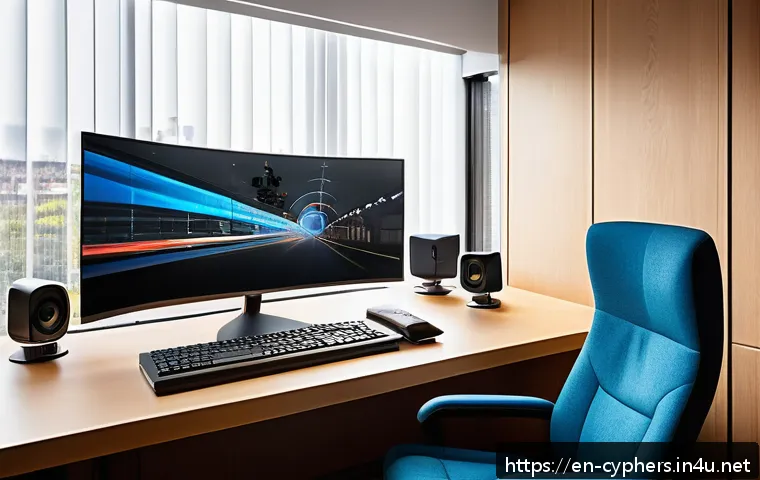
For Cyphers, 1080p at 60fps is ideal if your hardware and internet allow it; otherwise, 720p at 60fps is still impressive. Using presets like “veryfast” or “faster” in OBS encoding helps reduce CPU load while maintaining decent quality.
Running test streams privately is a great way to dial this in before going live.
Using Filters and Effects to Enhance Visual Appeal
Adding filters such as color correction or sharpening can make your gameplay pop visually. I often apply a slight contrast boost and brightness adjustment to counteract the game’s darker tones.
OBS supports chroma keying if you want to remove your background with a green screen, which adds a professional touch. Just be mindful not to overdo it; subtle effects improve the viewing experience without distracting from the action.
These tweaks have helped me create a unique visual style that keeps viewers engaged.
Understanding Platform Settings and Monetization Opportunities
Configuring Twitch or YouTube Streaming Options
Each streaming platform offers specific settings that can impact your broadcast. On Twitch, enabling “Stream Key” security and setting up two-factor authentication protects your channel from hijacking.
YouTube requires channel verification to unlock streaming features and custom thumbnails, which improve discoverability. I also recommend linking your accounts to tools like Streamlabs for easier alerts and donations.
Staying updated with platform changes ensures you leverage all features available for the best streaming experience.
Exploring Monetization Strategies That Work
Monetizing your Cyphers streams can start with simple tactics like enabling Twitch Affiliates or YouTube Partner programs to earn ad revenue. Beyond ads, integrating subscriptions, bits, and donations builds a steady income stream.
Affiliate marketing and sponsored content are other avenues I explored once my channel grew, providing additional revenue without overwhelming viewers.
Offering exclusive perks or behind-the-scenes content through platforms like Patreon also rewards loyal fans and diversifies earnings. The key is balancing monetization with viewer experience to keep your community happy.
Tracking Analytics to Maximize Earnings
Keeping an eye on analytics helps you understand what content performs best and when your audience is most active. Twitch and YouTube dashboards provide data on viewer count, watch time, and revenue sources.
I use this info to adjust my streaming schedule and content focus, which has noticeably increased my RPM (revenue per mille) over time. Experimenting with different stream lengths and interactive segments also impacts engagement and, subsequently, earnings.
Analytics empower you to make informed decisions that grow both your audience and income.
Essential Accessories and Environment Setup Tips
Ergonomic Streaming Space for Comfort and Longevity
Long streaming sessions can be tough without a comfortable setup. I invested in a good adjustable chair and desk to avoid fatigue and maintain focus. Positioning your monitor at eye level reduces neck strain, and keeping peripherals within easy reach enhances efficiency.
Setting up proper lighting and minimizing background noise contributes to a professional atmosphere that benefits both you and your viewers. Creating a dedicated, clutter-free space makes streaming more enjoyable and sustainable.
Useful Streaming Accessories That Make a Difference
Beyond the basics, a few accessories can elevate your stream quality. A pop filter on your microphone reduces plosives, improving audio clarity. Using headphones with a built-in mic mixer lets you monitor audio levels in real-time.
External capture cards are essential if you’re streaming from a console or want higher-quality footage from a secondary PC. Cable management tools keep your workspace tidy, preventing accidental disconnects during a live session.
I’ve found these small additions streamline my workflow and reduce technical hiccups.
Maintaining Your Setup for Consistent Performance
Regular maintenance is often overlooked but crucial for reliable streaming. Cleaning your PC’s fans and dust filters prevents overheating and hardware failure.
Keeping software and drivers updated ensures compatibility and access to new features. Backing up your streaming profiles and settings saves time if you need to reinstall or switch devices.
I also recommend testing your full setup before important streams to catch any issues early. Consistency in upkeep guarantees your broadcast quality stays top-notch over time.
| Component | Recommended Specification | Reason |
|---|---|---|
| CPU | Intel i5 / AMD Ryzen 5 or better | Handles game and encoding efficiently |
| RAM | 16GB | Ensures smooth multitasking and gameplay |
| GPU | NVIDIA GTX 1660 or equivalent | Supports high-quality graphics without lag |
| Internet Upload Speed | Minimum 5 Mbps (720p), 10 Mbps+ (1080p) | Prevents buffering and stream interruptions |
| Microphone | Blue Yeti / Audio-Technica AT2020 | Delivers clear, professional audio |
| Webcam | Logitech C920 or better | Provides crisp video with good low-light performance |
| Streaming Software | OBS Studio | Flexible and free with extensive customization |
Wrapping Up
Optimizing your streaming setup is a blend of the right hardware, software, and environment. From choosing the proper PC specs to engaging your audience effectively, every detail counts. With consistent effort and fine-tuning, you can create a smooth, professional, and enjoyable streaming experience that keeps viewers coming back. Remember, the key is balancing quality with performance and interaction. Start small, test often, and grow your channel with confidence.
Helpful Tips to Remember
1. Always prioritize a stable internet connection using wired Ethernet for smooth streaming without interruptions.
2. Invest in a quality microphone and camera to enhance your audio and video, making your stream more appealing.
3. Use streaming software like OBS Studio and experiment with settings to find the best balance between quality and system performance.
4. Engage actively with your chat and use social media platforms to expand your reach and build a loyal community.
5. Regularly monitor your stream’s health and keep your equipment maintained to avoid technical issues during live sessions.
Key Takeaways
Stream success hinges on combining reliable hardware with thoughtful software configuration and viewer engagement. Ensuring your PC meets recommended specs prevents lag, while good audio and video gear elevate your stream’s professionalism. Don’t underestimate the power of a strong internet connection and real-time monitoring to maintain smooth broadcasts. Building community through interaction and social media amplifies growth. Finally, consistent upkeep of your setup safeguards your stream quality over time, making your channel sustainable and enjoyable for both you and your audience.
Frequently Asked Questions (FAQ) 📖
Q: How can I reduce buffering and lag during my Cyphers live stream?
A: Buffering and lag are often caused by insufficient upload speed or network instability. To minimize these issues, ensure your internet connection has a stable upload speed of at least 5 Mbps for 720p streaming or higher for better quality.
Using a wired Ethernet connection instead of Wi-Fi can significantly improve stability. Additionally, lowering your stream’s bitrate and resolution slightly can help if your connection isn’t top-tier.
I personally found that tweaking these settings while monitoring my network performance made a huge difference in delivering smooth streams without interruptions.
Q: What equipment do I need for a professional Cyphers live streaming setup?
A: A professional setup doesn’t have to break the bank but should include a decent PC or console capable of running the game and streaming software simultaneously without overheating or lag.
A quality microphone is essential for clear audio—I’ve used a USB condenser mic that made my voice sound crisp and natural. A webcam adds a personal touch, and good lighting helps your face stand out on screen.
For software, OBS Studio or Streamlabs OBS are excellent and customizable options. Don’t forget a reliable capture card if you’re streaming from a console.
The right gear combined with proper configuration really elevates the overall viewer experience.
Q: How can I keep my audience engaged during Cyphers live streams?
A: Engagement goes beyond just gameplay—it’s about connecting with your viewers. I’ve noticed that interacting through chat, responding to comments, and sharing personal stories during downtime keeps people interested.
Setting up alerts for new followers or donations encourages participation and builds community spirit. Also, planning your stream with a mix of intense gameplay moments and casual commentary helps maintain a natural flow.
Lastly, consistent streaming schedules help viewers know when to tune in, boosting return visits and growing your fanbase steadily.